Article behind a paywall in Safari? Find the story with AI.
Hit a subscription screen? Find original sources about the story, then save the prompt and run it again on the next blocked article.
Watch the one-minute workflow.
Silent demo. Real AlliHat responses, with waiting time cut and cursor animation and title cards added. Watch on YouTube, or follow the screenshots below.
The short version: Open the blocked article, ask AlliHat to search for original sources behind its headline, then star the prompt to save it. On the next article, click that favorite to run the same instructions again.
This researches the story through accessible sources. It does not unlock the subscription article or promise a summary of text the AI cannot read.
1. Open the paywalled article in Safari.
Install AlliHat for Mac. In Safari, go to Settings, then Extensions, enable AlliHat, and allow it on the news website. Open the article and click the AlliHat toolbar button.
For the setup shown here, choose ChatGPT sign-in in AlliHat's model picker and connect your account. This option can search the web and does not require an API key. See the ChatGPT Safari extension setup guide for the connection steps.
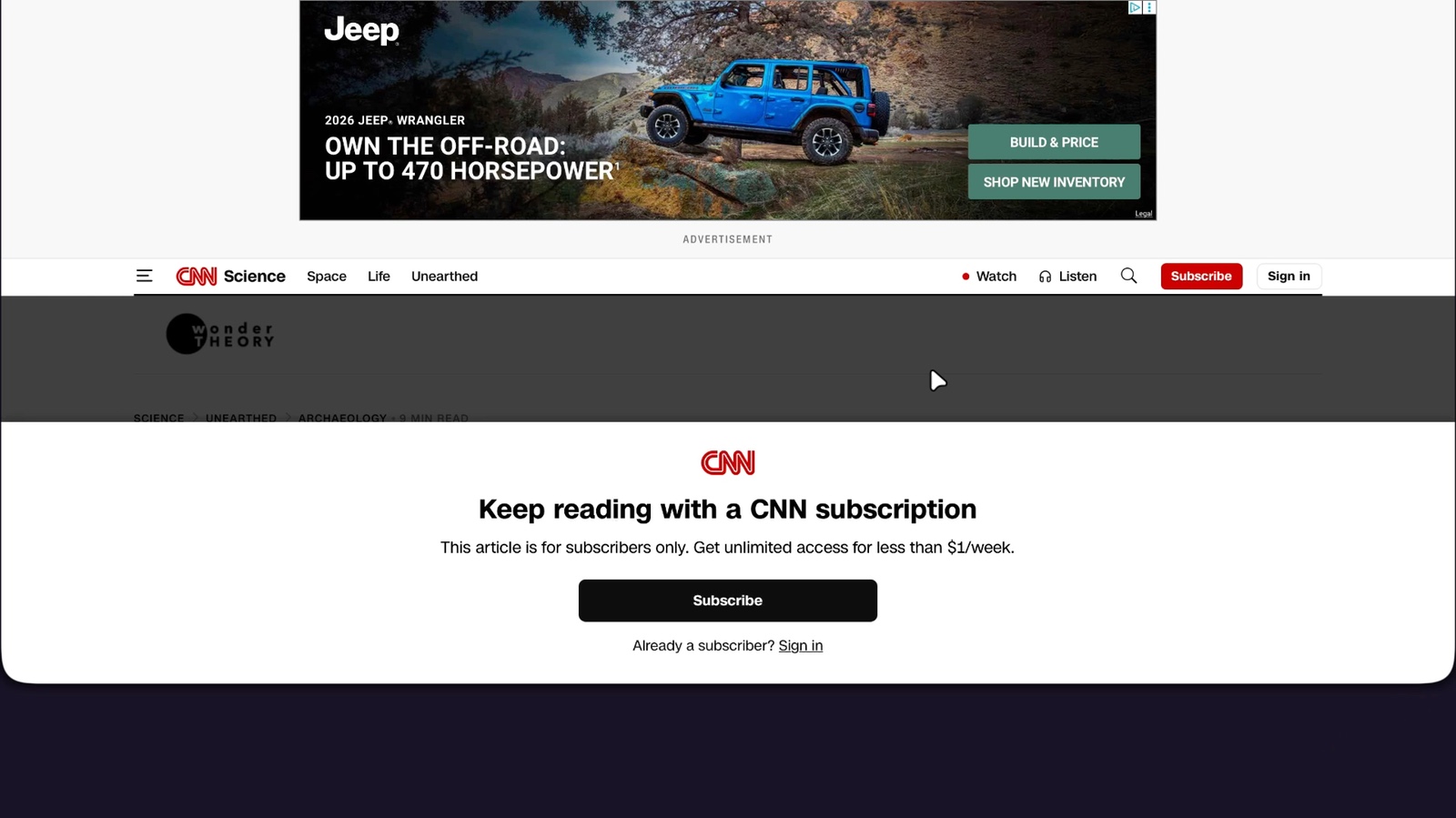
Our first example is a CNN story about a staircase in Pompeii. The headline is visible, but the article asks for a subscription.
2. Ask AI to find the original sources.
A bare "summarize this" can leave you unsure what the AI actually read. Give it a more specific job: search for the underlying research, explain what it found, and link to what it checked.
Copy this reusable prompt
This article is blocked. Use its headline to find accessible original sources about the same story. Explain the findings in 3 short bullets, link to the sources you actually checked, and separate evidence from speculation. Do not summarize or reproduce the blocked article.
If the headline is missing from the page context, paste it into your message. Add the publication and date when they help distinguish this story from older coverage.
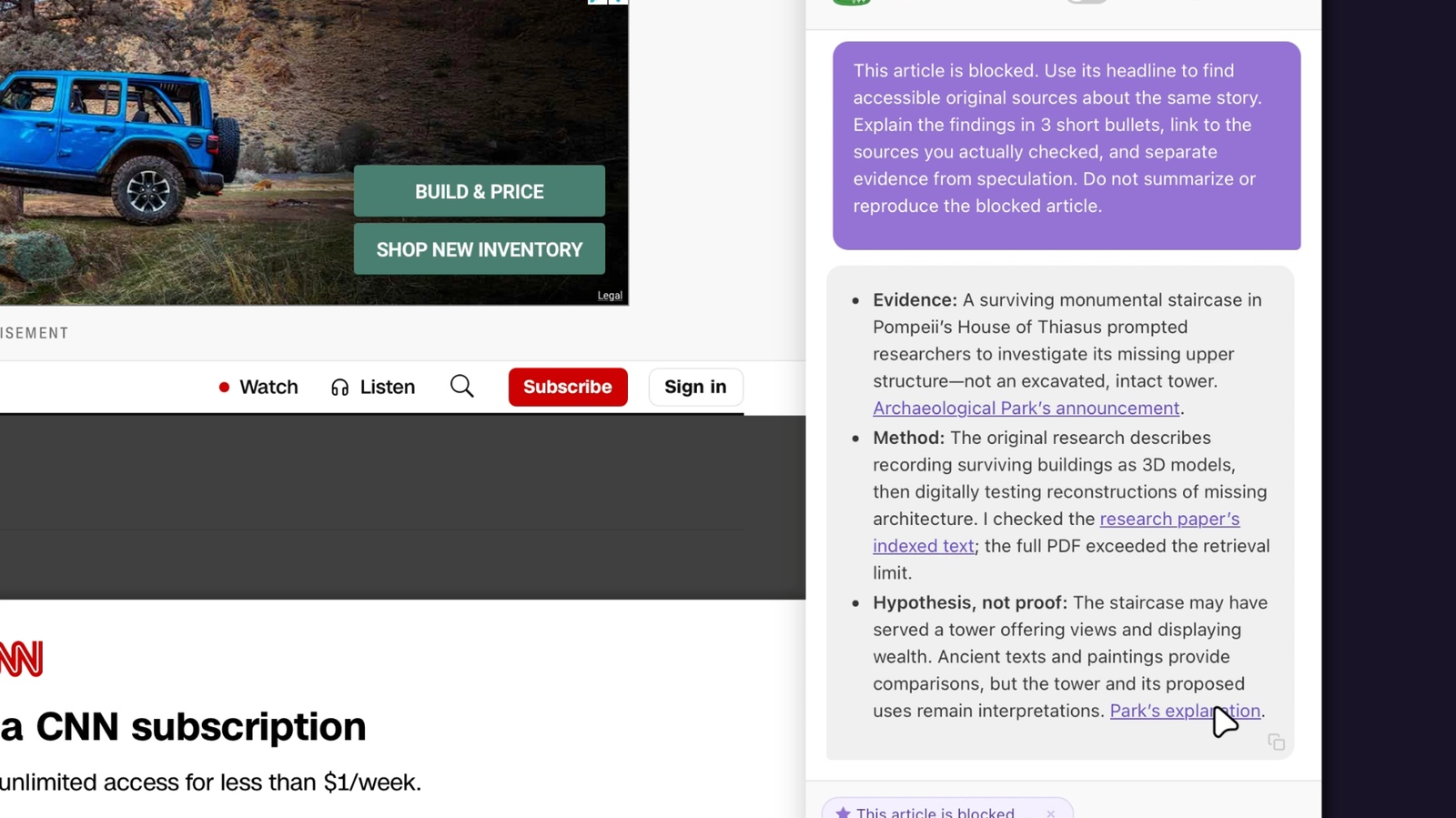
In this example, the answer points to the Archaeological Park of Pompeii's announcement. It also states that it could not retrieve the full research PDF. Those details let you inspect the evidence and see the limits of the answer.
3. Save the prompt as a favorite workflow.
Hover over the message you sent and click its star, labeled Save as favorite prompt. Your saved prompt appears above the message box.
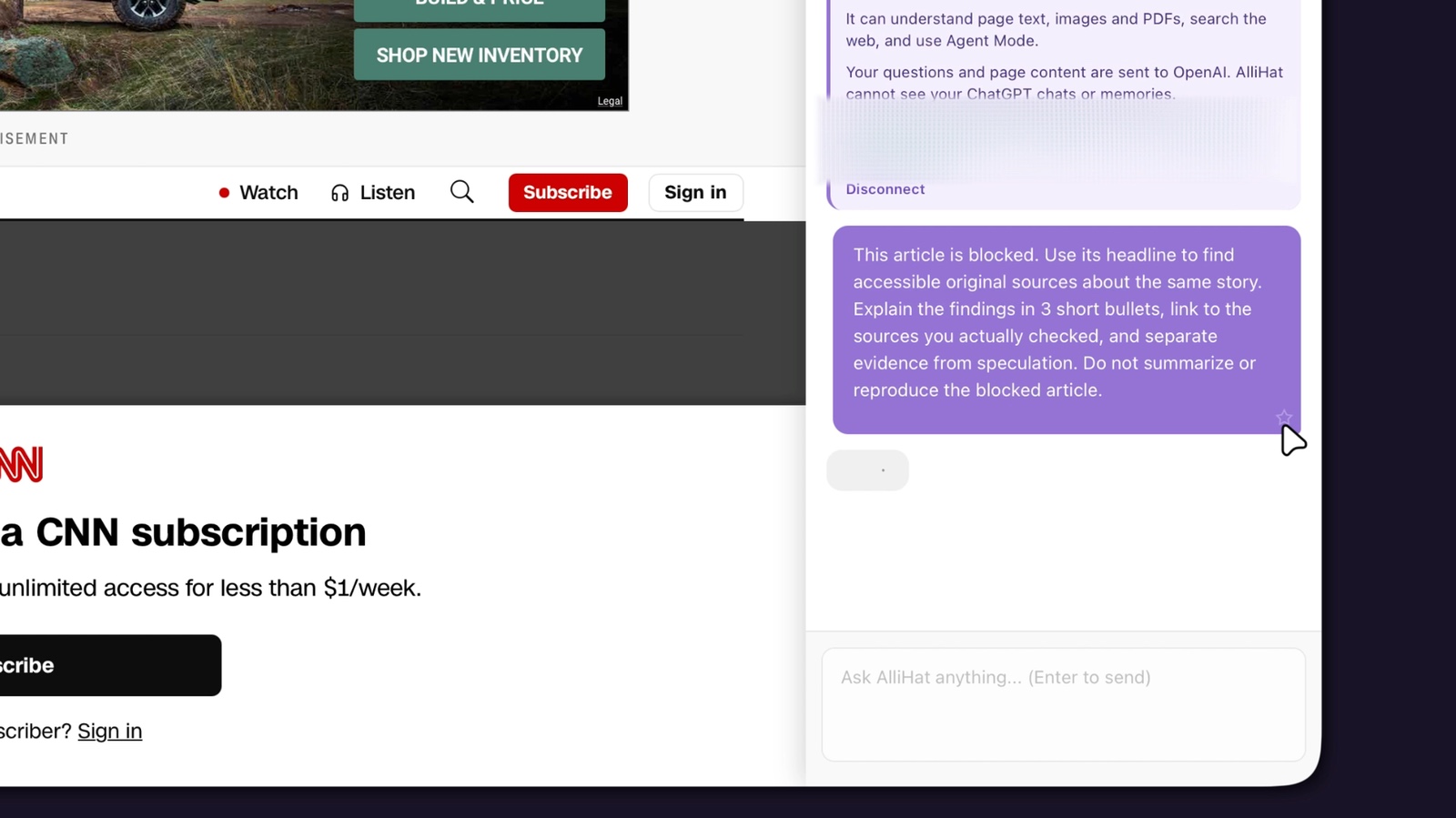
That is the workflow: a useful set of instructions you can run again. Saving it keeps you from rewriting the request each time. Keep the wording "this article" instead of putting a particular headline or URL into the saved prompt.
4. Another blocked article? Run the saved workflow.
Open the next article in Safari, then open AlliHat. Start a new chat if the previous conversation is still there. Click the saved favorite above the message box. Clicking the favorite sends the prompt immediately, using the current page context.
The second example is a CNN story about quantum computing and cybersecurity. The same instructions produce an answer about that story, with links to its sources. You are reusing the prompt, not the previous answer.
Open a source link before relying on a claim. In the demo, we follow a link to NIST's announcement of its first three finalized post-quantum encryption standards.
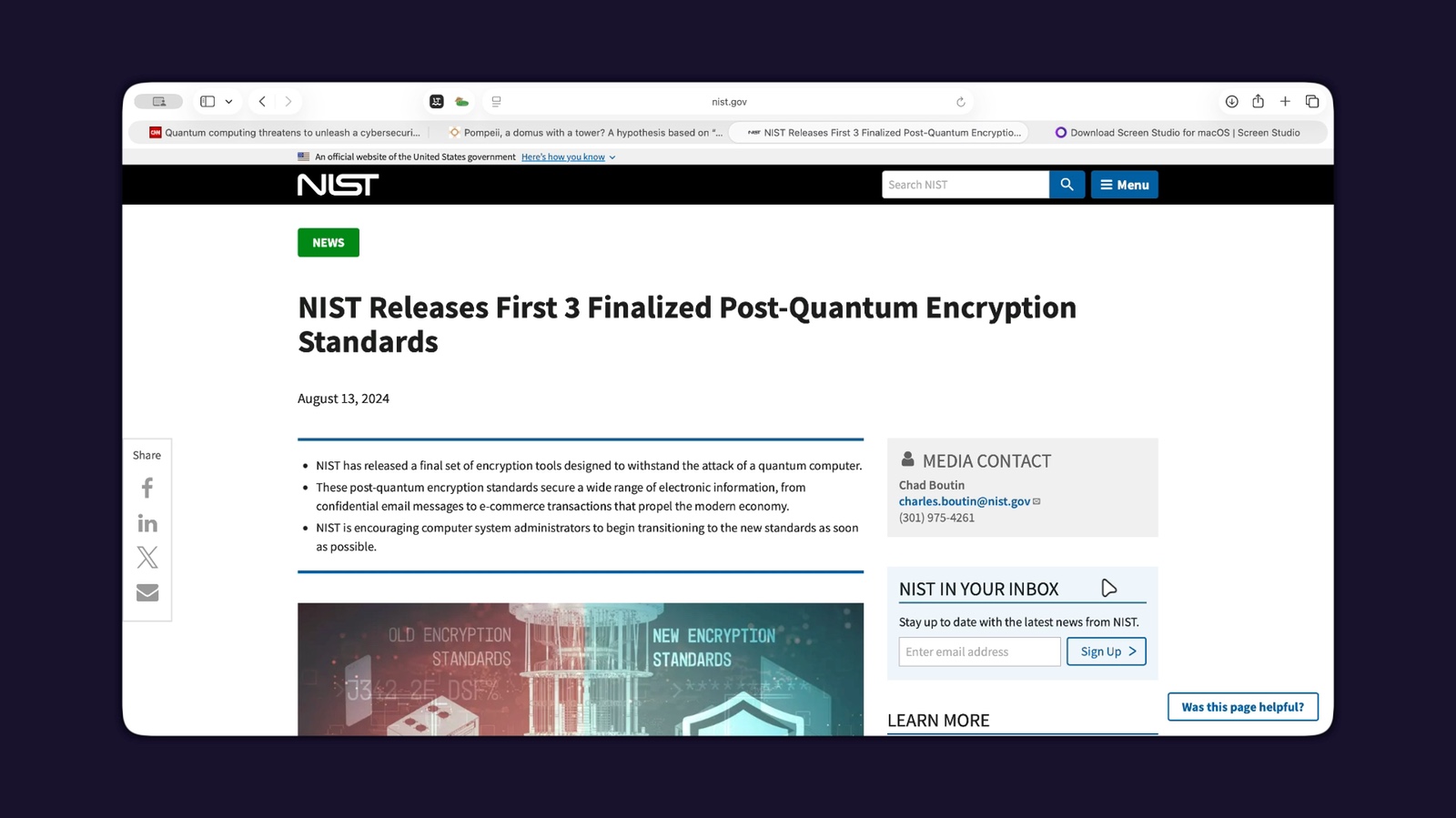
Check what the sources actually support.
- Match the story. Check the names, dates, and subject. A related article is not necessarily evidence for this headline.
- Prefer original material. Look for the research paper, organization announcement, public report, or document behind the coverage.
- Notice uncertainty. A hypothesis, forecast, and demonstrated result are different things. Keep that distinction in your follow-up questions.
If the AI cannot find an accessible original source, ask it to say so. The underlying story may be exclusive reporting or depend on documents that are not public. This workflow cannot fill in those missing facts.
Questions about AI, Safari, and paywalled articles
Can AI summarize a paywalled article?
Only when it can actually access the article's text should you treat its response as a summary of that article. This guide asks a different question: what do accessible original sources say about the same story? The answer should identify those sources and any gaps.
Is AlliHat a Safari paywall bypass extension?
AlliHat is an AI sidebar for Safari. The workflow shown here finds public sources about a blocked story; it does not remove the paywall. If you need the publication's exact reporting, use your subscription or another access option offered by the publisher or your library.
Does this work for every blocked article?
No. You need a useful headline and accessible sources about the story. A network block, unavailable website, or missing headline may leave the AI without enough context. Web search also depends on the AI connection you choose.
Do I need Agent Mode?
No. The demo uses ChatGPT sign-in with Agent Mode off. The request asks the AI to search and answer; you open the source links yourself.
Can I save other AI workflows in Safari?
Yes. Star another useful prompt to save it as a favorite. For example: "Find the original research behind this page. Explain the study's method and main limitations, and link to the paper." Use instructions that make sense across pages so the favorite stays useful.
Does this work on iPhone or iPad?
This guide uses AlliHat for Safari on Mac, with macOS 14 or later.
Save a good prompt. Use it on the next page.
Try AlliHat's Safari sidebar for 7 days. Then $29.99 a year. AI account limits or usage costs depend on the provider you choose.